
Your business, from invoice to payment. Without retyping a thing.
The tax authority answers later: AcoreLink queues, reconciles and lets you know. And the same document that was validated keeps moving —approval, posting, payment— without anyone typing it in again.
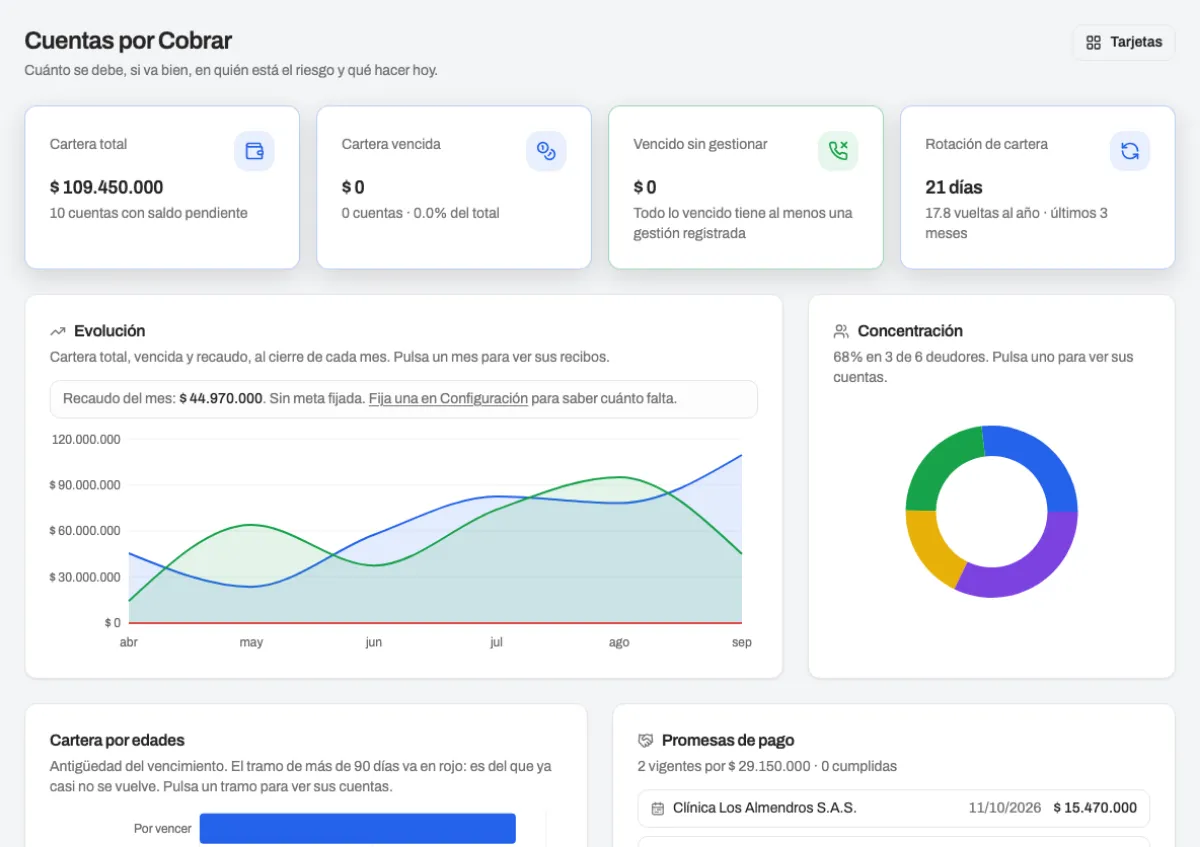
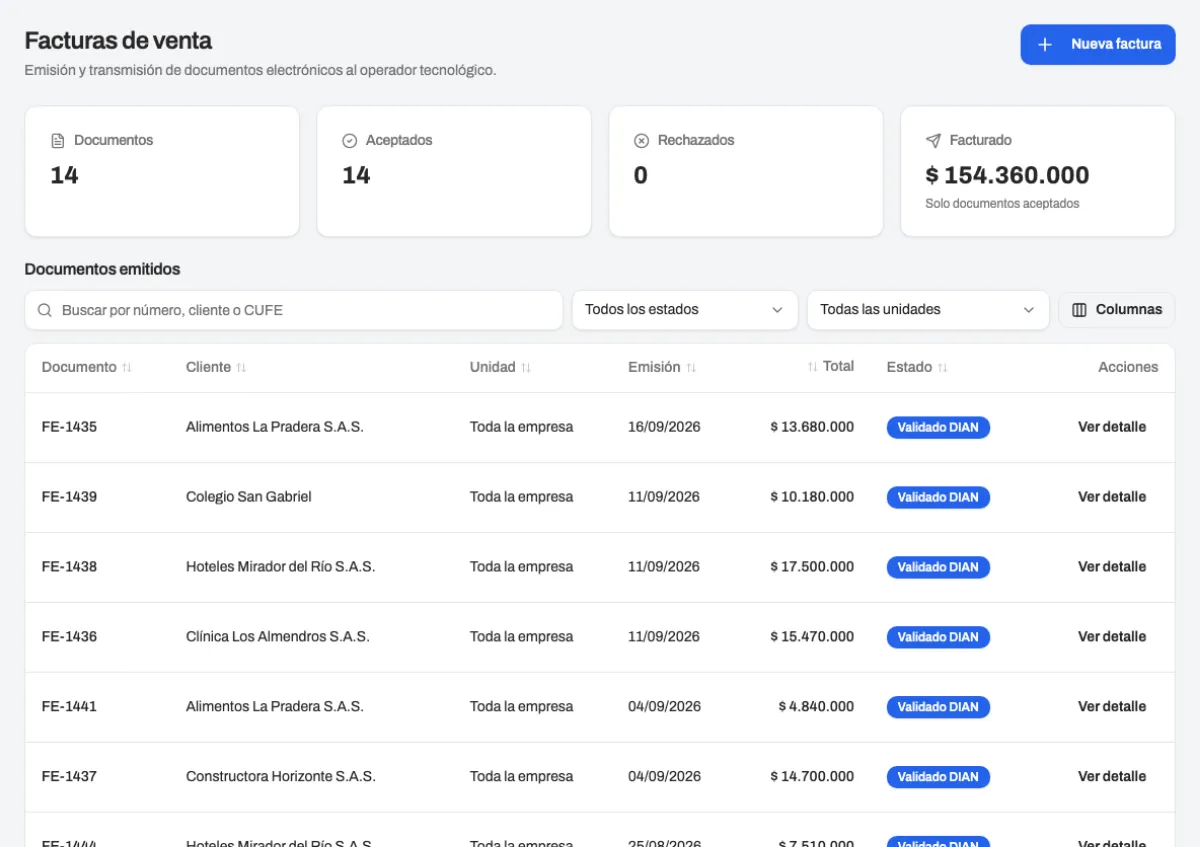
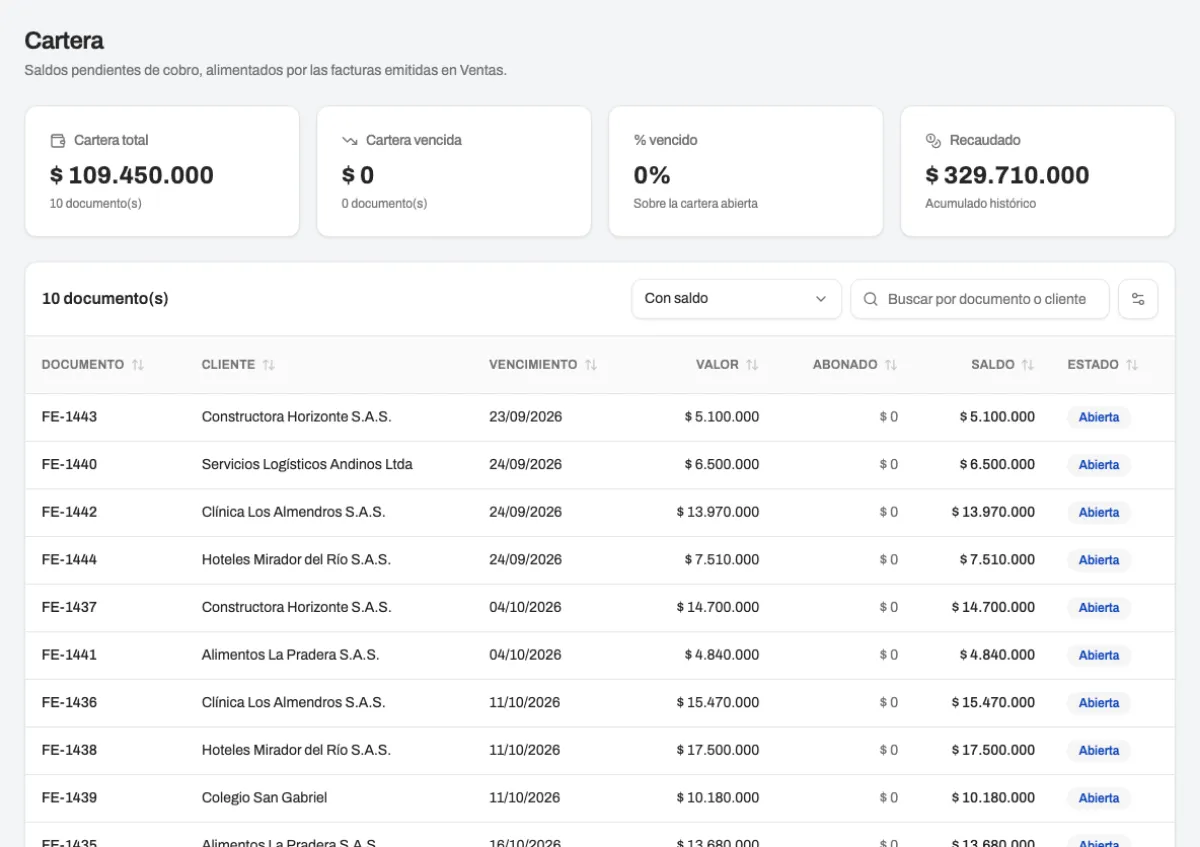
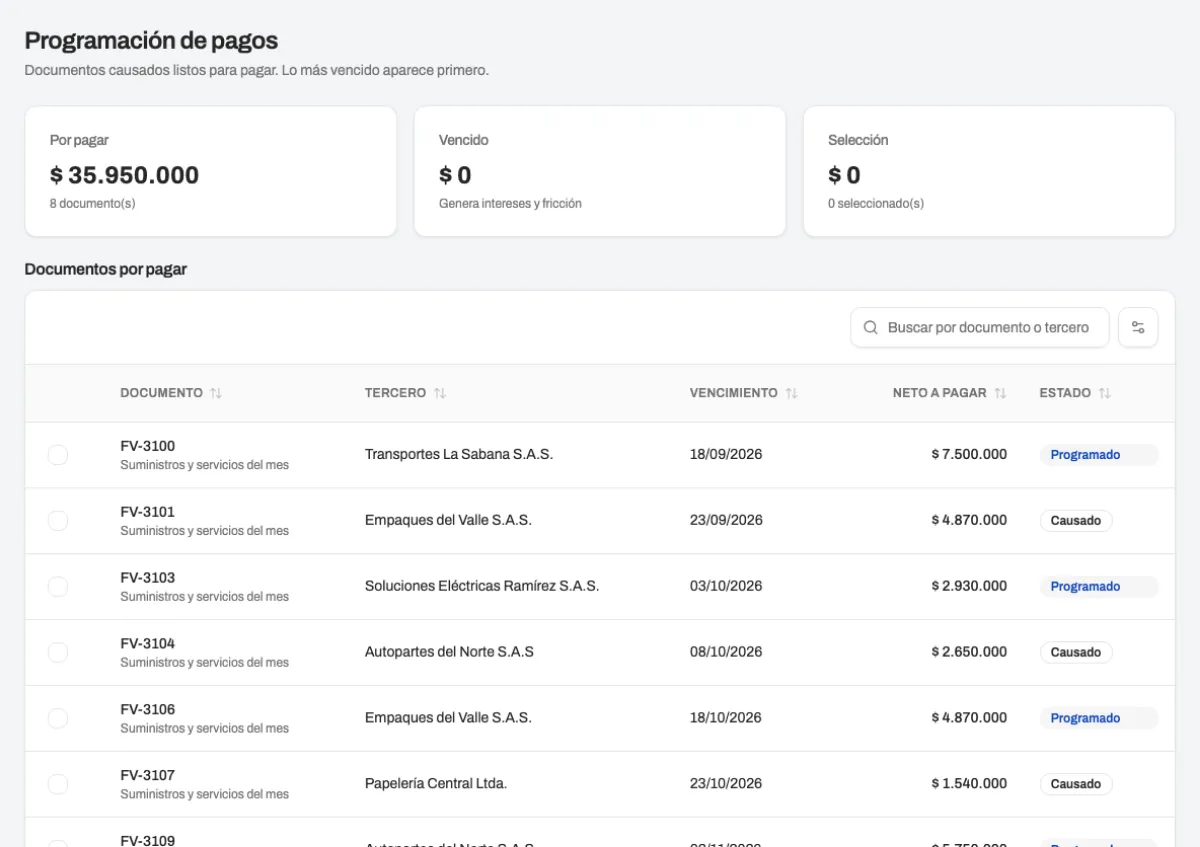
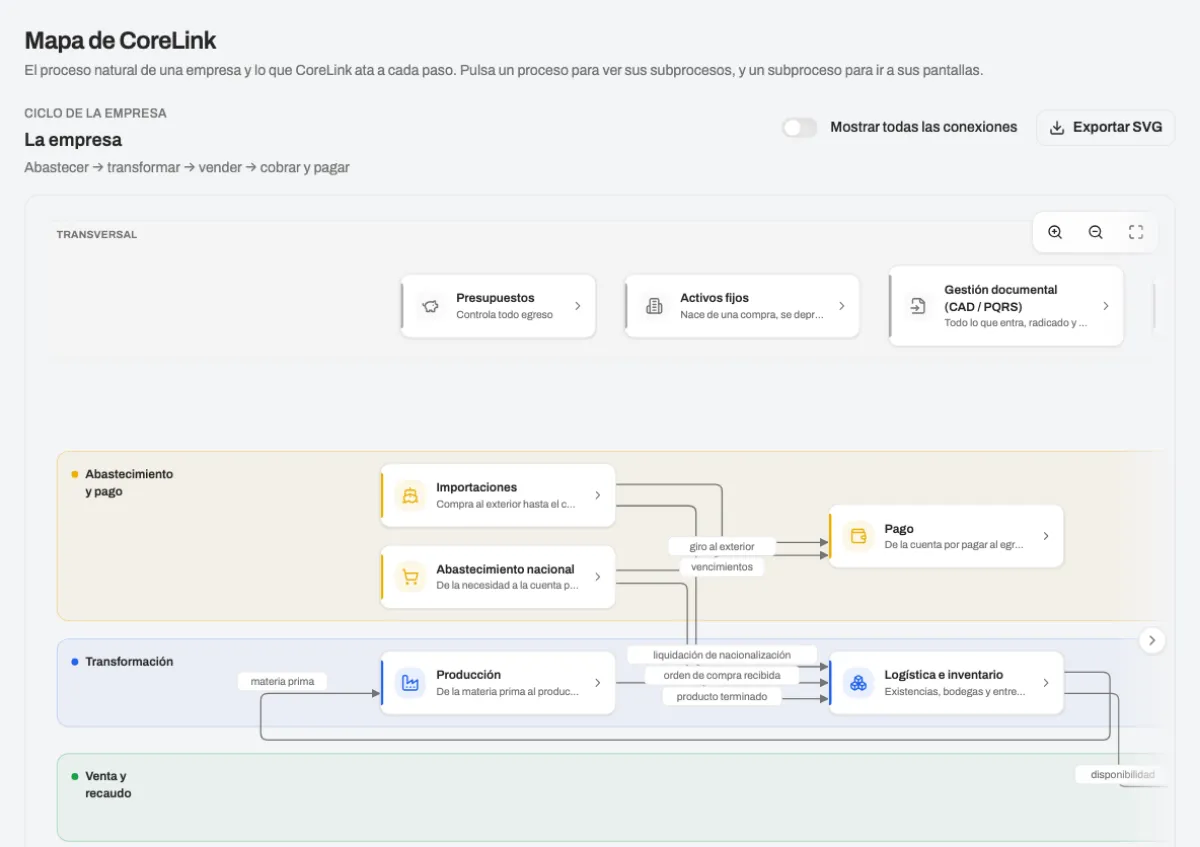
One ERP, the areas you actually use
Organized by what your business does, not by acronyms: every family shares the same documents and the same third parties.
Sales and invoicing
Purchasing and accounts payable
Accounting and taxes
Payroll and people
Inventory and assets
AcoreLink PH
Treasury and budgets
From invoice to payment in three steps
An electronic document isn't done when it's validated: it still has to be approved, posted, paid and reconciled.
You issue or receive
Invoices to your customers or documents from your suppliers. AcoreLink sends them to or receives them from the tax authority and keeps the unique code, the XML and the acknowledgment.It gets approved and posts itself
The approval route comes from your policies. Once approved, the journal entry and the withholdings are already done.It gets paid and reconciled
Payments and collections are scheduled against what was posted, and treasury reconciles it against the bank.
Which processes do you want to sort out first?
Source, transform, sell, collect and pay, account. Pick your company's processes, see what they connect to and take the list to an advisor.
01Source
02Transform
03Sell
04Collect and pay
05Account
Cross-cutting
Foreign trade
Selected Connected to what you selected
One company, or every company in your group
Each one with its own authorized numbering. A small business uses only the level it needs; the group sees its consolidated view.
- Organization, companies, operation centers and branches
- Each branch invoices with its own prefix and resolution
- Reports per company, per operation center or for the whole group
- The same people run several companies without switching tools
- A small business uses only the level it needs
Reliable end to end
What you issue to the tax authority can't be undone with a click. That's why these guarantees aren't optional.
Up to date with the tax authority
An audit trail of who did what
Test and production never mix
Data isolated per company
HOA and condominium management software: receivables, invoicing and accounting in one place
AcoreLink is property management software for residential complexes, buildings and shopping centers: each unit with its fee, its receivables and its electronic invoicing, and the accounting accrued automatically.
- Software for residential complexesUnits, owners and residents with their administration fee, special assessments and fines.
- Receivables system for HOAs and condominiumsStatement per unit, late interest, payment agreements and reconciled collections.
- Invoicing system for property managementElectronic invoicing of fees and services validated by the tax authority, delivered to the owner.
- Software to manage buildingsSuppliers, contracts and common expenses filed, approved by the board and accrued without retyping.
- How does supplier invoice intake work in AcoreLink?
- Your suppliers' electronic invoices land in the received-documents inbox on their own, with the XML and the acknowledgment. From there they are matched against the purchase order or the goods receipt, routed to the approver your policies define, and left ready to accrue and pay, without typing anything again.
- What is automatic accounts-payable accrual and what does it save me?
- When an intaken invoice is approved, AcoreLink creates the journal entry, the withholdings and the payable in the same step. There is no second data entry in accounting: the flow is intake → approve → accrue → pay, and every step keeps its author and its time.
- Is AcoreLink HOA / condominium management software?
- Yes. AcoreLink runs the whole property: units, owners, administration fees, receivables, electronic invoicing, suppliers and accounting, in the cloud and with every movement signed by whoever made it.
- Does it work as property management software if I manage several properties?
- Yes. Each property is a company within your organization, with its own numbering, accounting and reports; the same person manages several without switching tools and the consolidated view comes per property or for the group.
- Is it software to manage buildings or only residential complexes?
- Both, plus shopping centers and offices. What changes is the structure of units and coefficients; the flow of fees, receivables, expenses and accounting is the same.
- How does the receivables system for HOAs and condominiums work?
- Each unit has its statement: regular and special fees, late interest, payment agreements and collections reconciled with the bank. The manager sees who owes what and since when, and the owner receives the statement by email.
- What does AcoreLink do as software for residential complexes?
- It issues the electronic invoicing of fees, records collections, files and approves supplier and security invoices, accrues the accounting automatically and delivers the reports for the assembly and the board.
- Does fee invoicing comply as an invoicing system for property management?
- Yes. Fees and services are invoiced electronically, validated by the tax authority, with the numbering authorized per property and delivered to the owner; what gets validated flows to receivables and accounting without retyping.
What does your business need?
Book a free assessment with a Piensa IT advisor, message us on WhatsApp or leave your details.
Leave your details
We get back to you on the next business day. No strings attached.